Registration and login
Access to your digital service environment
Written By Tommy Giesbrecht
Last updated About 1 year ago
If you do not yet have access to findIQ, you can request demo access for your organisation and familiarise yourself with the application.
Login
If you already have demo access, you can open the findIQ application and log in.
Login with findIQ account
Login with findIQ account
Enter your email address and password and click on Sign In

Login with Microsoft
Login with Microsoft
Click on the Microsoft button

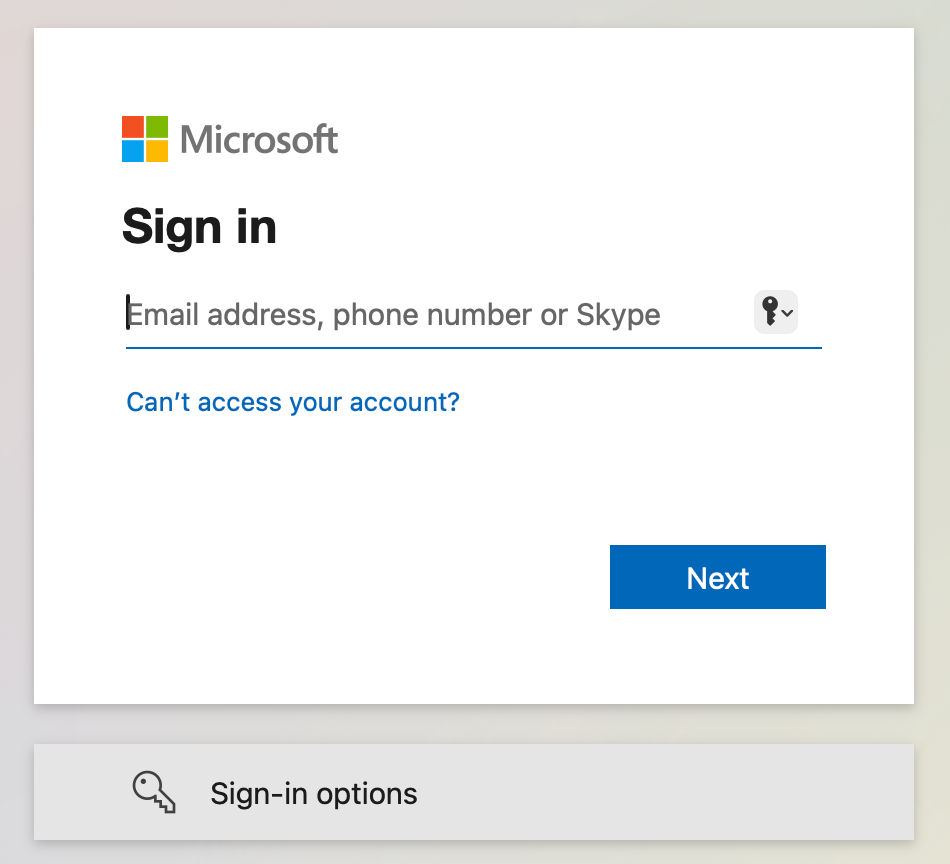
Sign in to your Microsoft account
Invite your team members
You can now add further members to your organisation. To do this, go to Settings → Organisation → Members → Invite member and enter the email address to which the invitation should be sent.
Invite new member
Invite new member
Open settings

Open member list and click Invite member

Enter email address, member role and optionally select a group

Accept invitation
1. Check your Email
Look for an invitation email from the web application. If it's not in your inbox, check your spam/junk folder.
2. Open the invitation
Find and click the Accept Invitation in the email. This will redirect you to the application's registration or login page.

3. Create an account or login
Existing Users: Log in with your current credentials.
New Users: Create a new account or register with Microsoft
Create a new findIQ account
Create a new findIQ account
Click on Register at the bottom of the login page

Fill the registration form

Join findIQ with your Microsoft account
Join findIQ with your Microsoft account
Click on the Microsoft button
